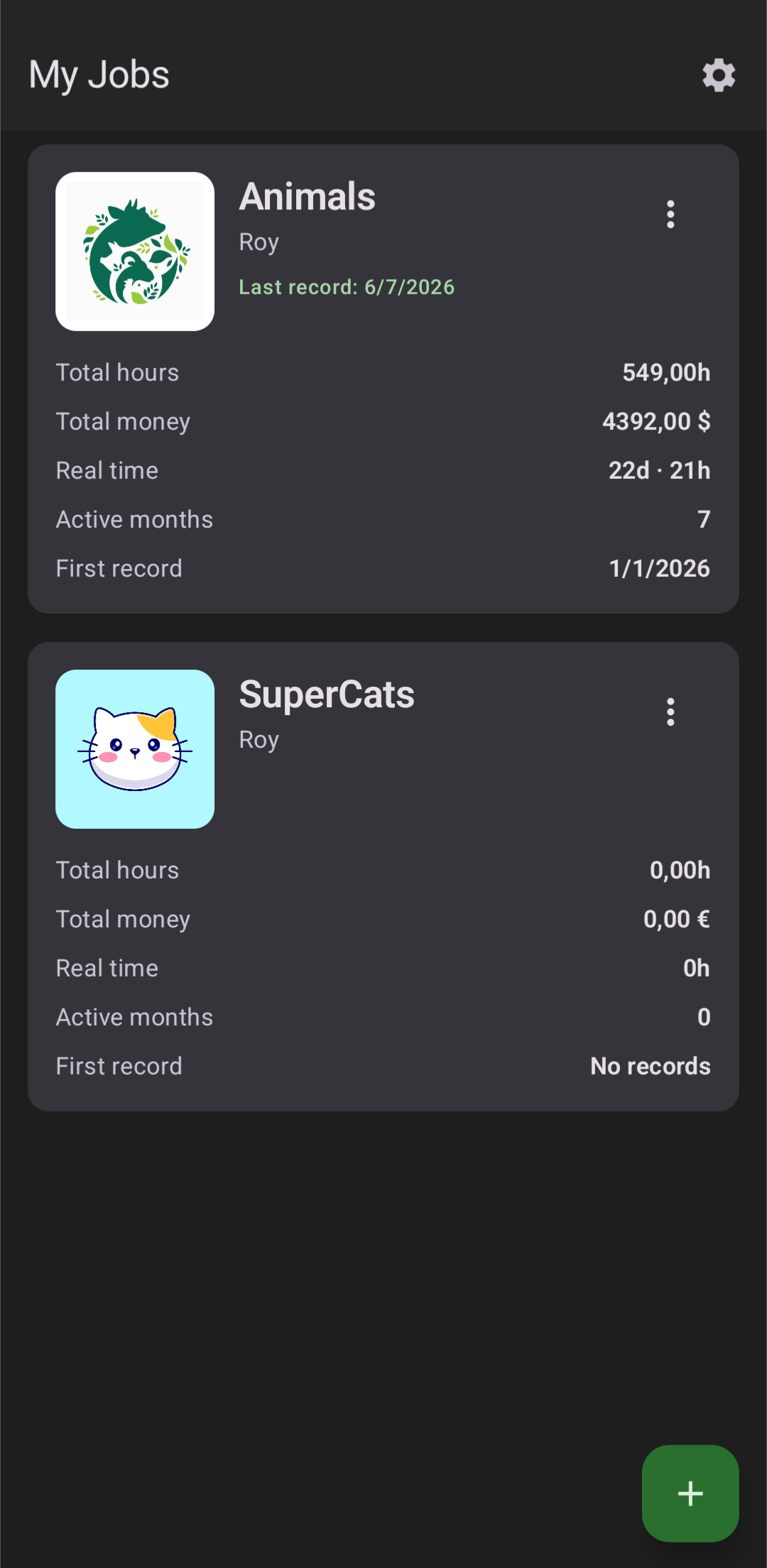

Android app · works offline
Your work hours stay on your phone.
Track multiple jobs, shifts, monthly pay rates and summaries you can share. No account, server or analytics.
- Track each job separately
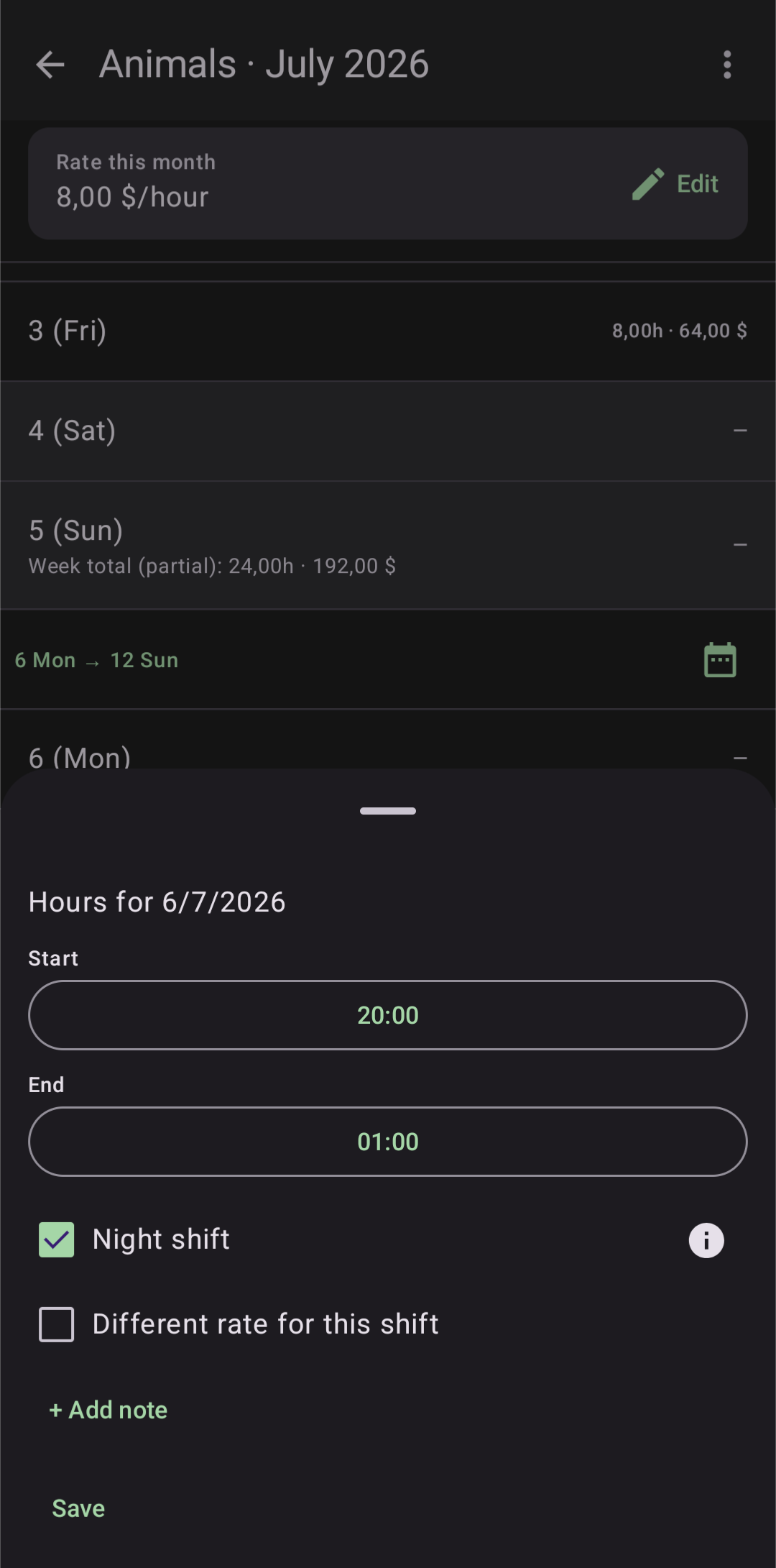
- Overnight shifts, even across midnight
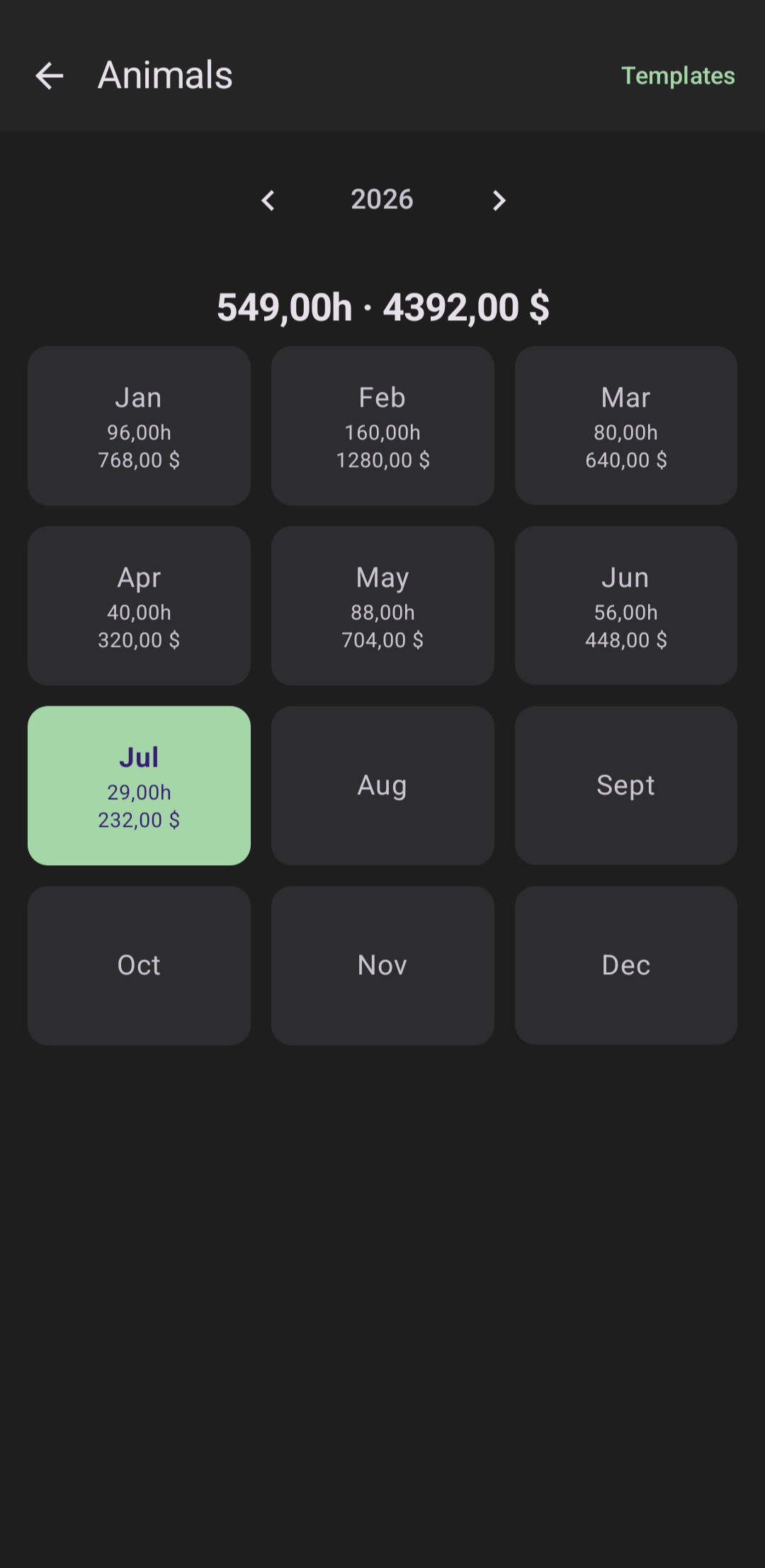
- Set a rate for each month; past totals stay unchanged
- Share monthly summaries as PDF or JPEG
What HourFlow includes
A personal work log. Each month keeps its own pay rate, shifts and extras.
- Multiple jobs01
- Overnight shifts02
- Monthly pay rates03
- Templates04
- Extras05
- PDF and JPEG06
A closer look at the app
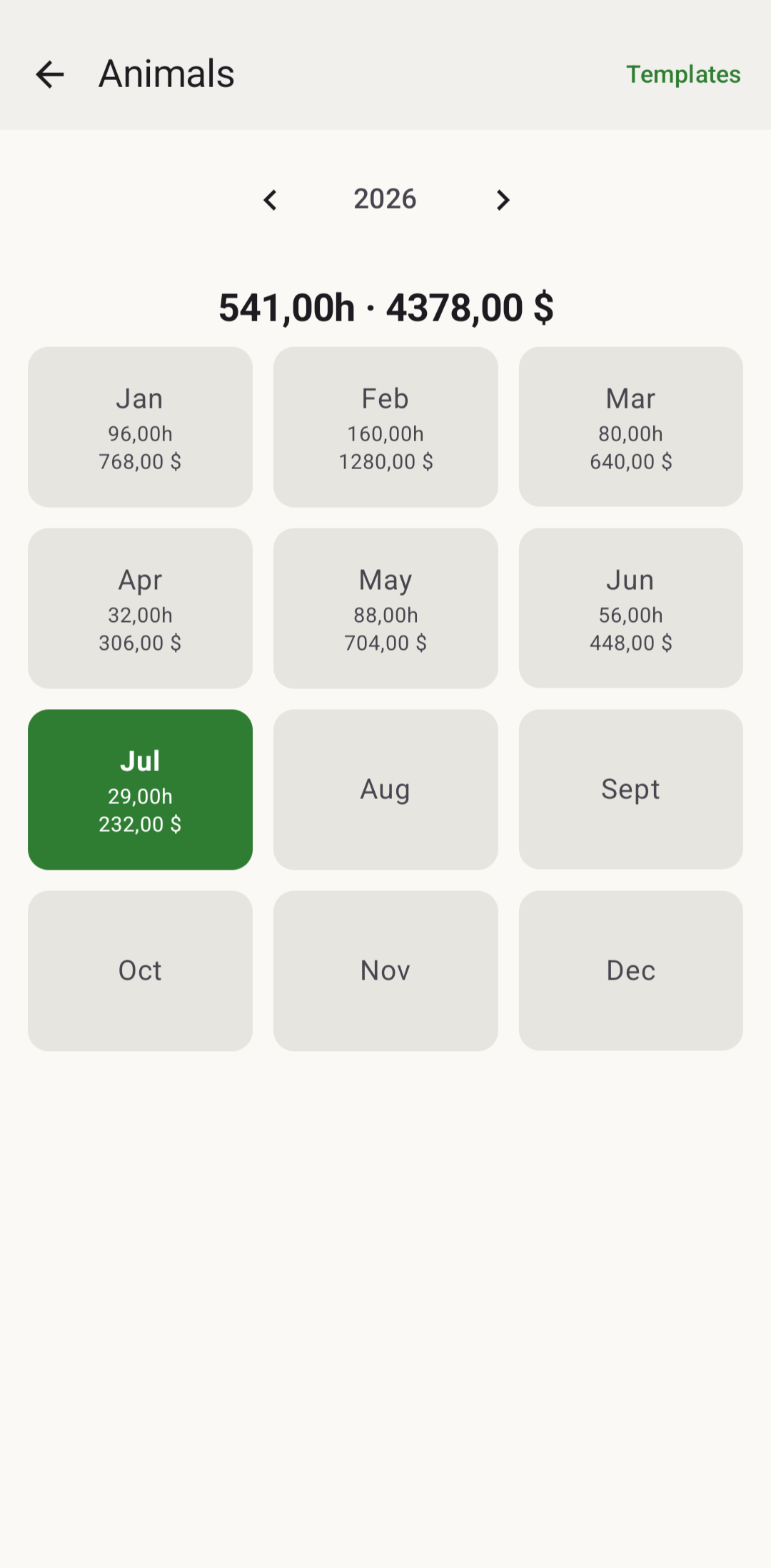
From the full year to a single shift. Screenshots show sample data.
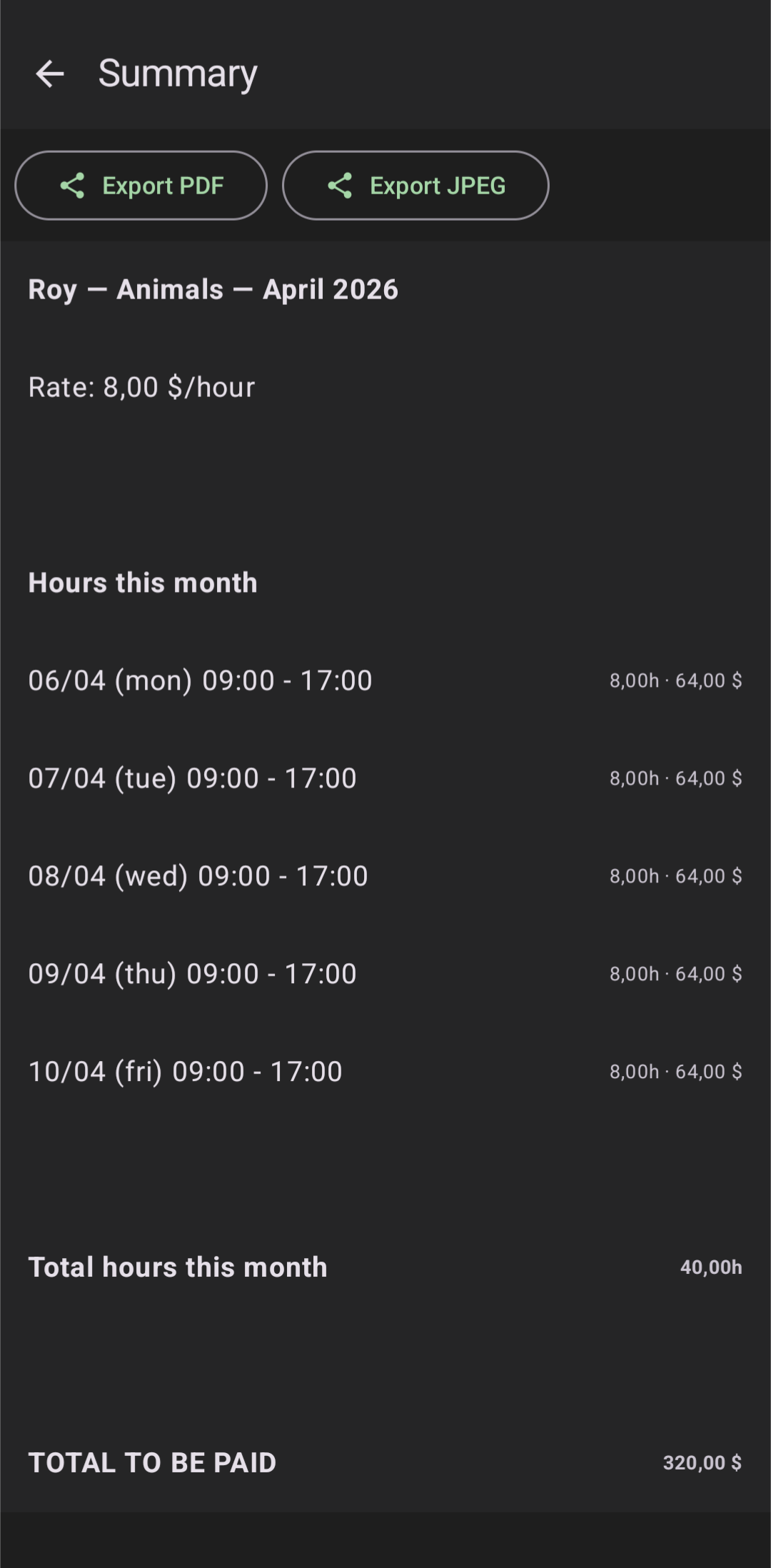
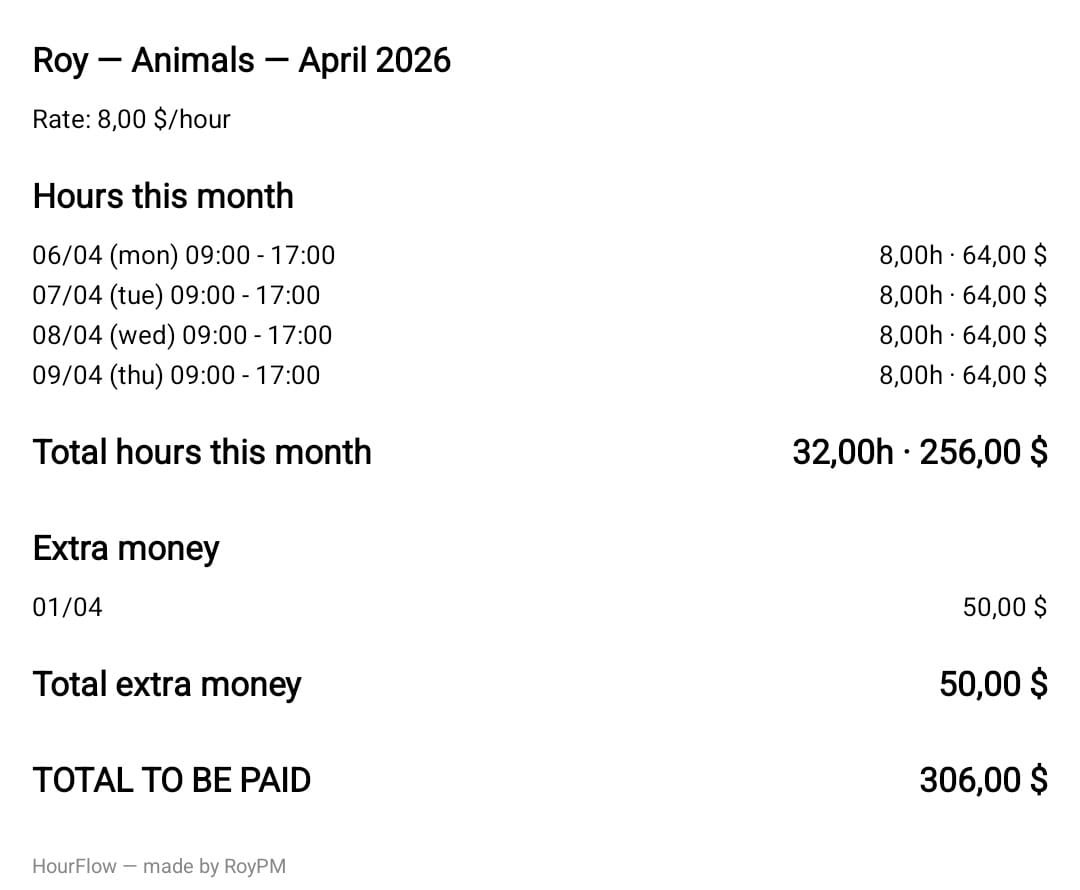
A clear summary, ready to share
PDF and JPEG exports include the month's hours, extras and total pay. Files are named to stay in order, for example 2026-08_Restaurante_Joan.pdf.
Your data stays on your device
HourFlow is designed for one person and works offline. You only need an internet connection to check for updates.
What stays on your phone
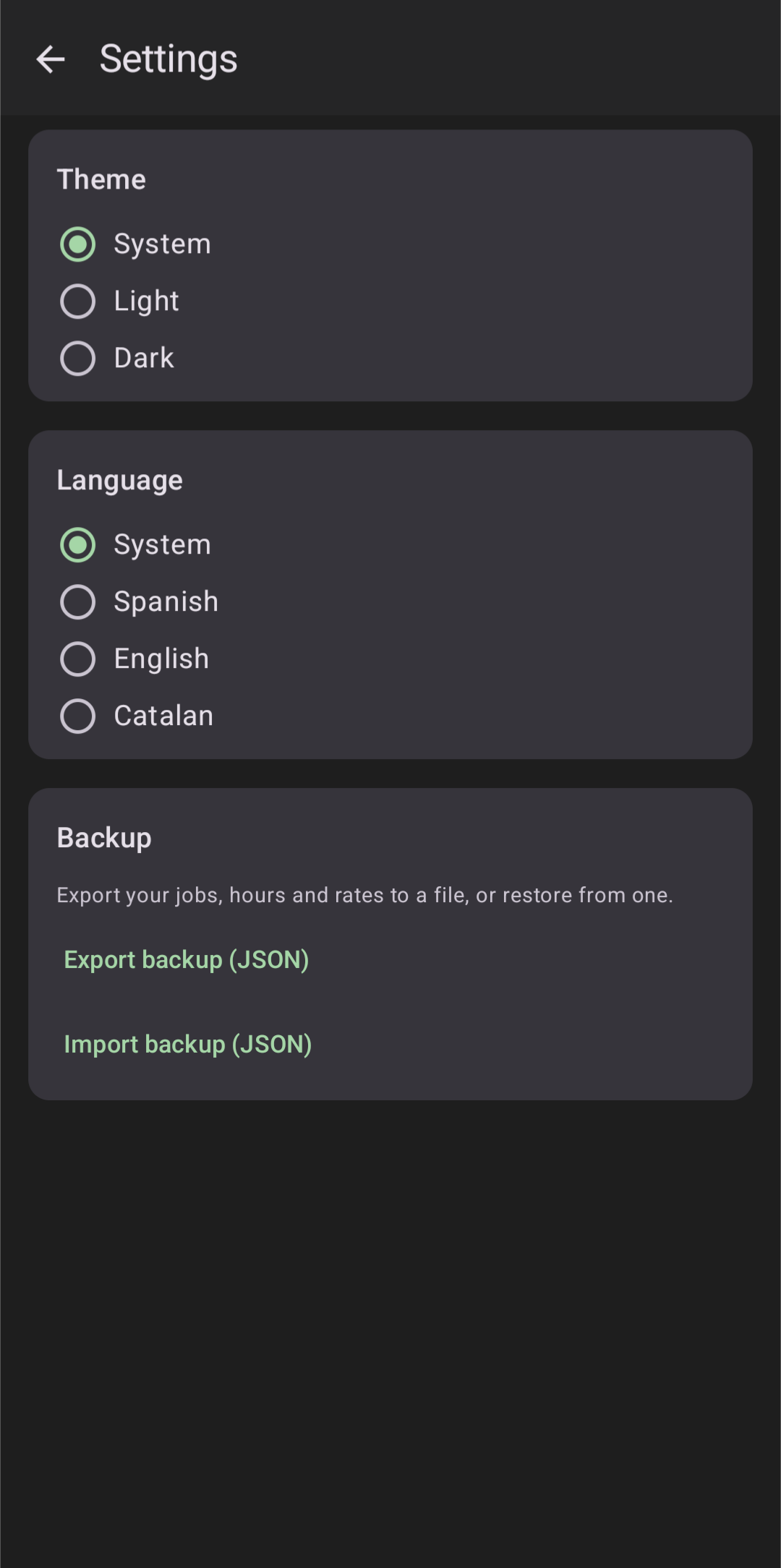
Jobs, shifts, rates, extras and templates are stored on your phone. No account or analytics.
What leaves, when you choose
A JSON backup, or a monthly summary as PDF or JPEG. Export a backup from Settings before installing an APK manually.
Language and appearance
Choose Spanish, English or Catalan, and follow your system theme or use light or dark mode.
- Kotlin
- Jetpack Compose
- Material 3
- Room
- DataStore
- MIT
Current version
HourFlow 1.1.0
Weekly and monthly templates, PDF and JPEG summaries, and JSON backups that work with older versions. The APK is about 8.4 MB.
HourFlow does not update automatically. Export your JSON backup before installing. If Android rejects the update because it was signed with a different key, uninstall the existing app, install the new APK, then import your backup.